Editable spreadsheets + coordinated planning pages
The Baby Shower Planner
Co-host contributions, guests, gifts and the day itself. Agree each co-host contribution, then track transfers into the shared pot and reimbursements.
Checking checkout availability…
One kit per checkout. Read the purchase and refund terms and use license before paying. Your card statement may show STORELEA.COM.
Inside your kit
- 6 visible workbook tabs with editable inputs, linked calculations and a summary chart
- A clean XLSX for your own records and a separate fictional worked example
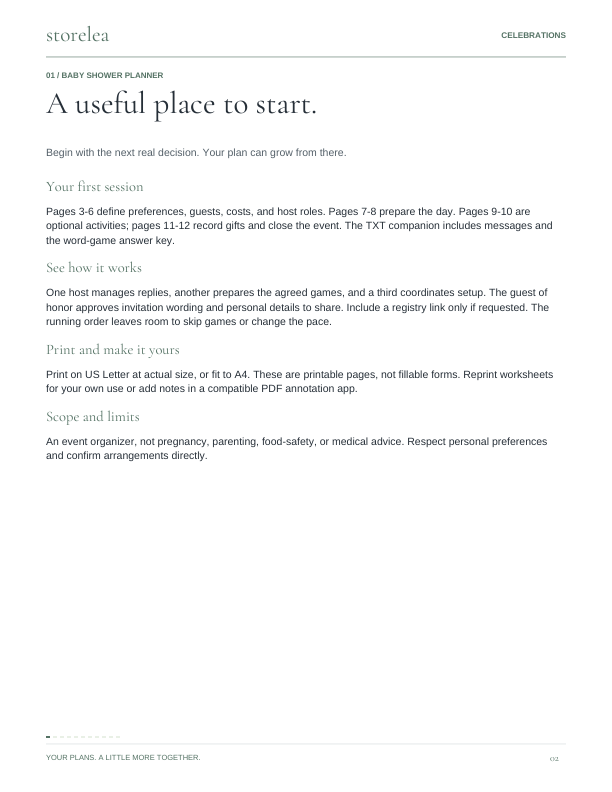
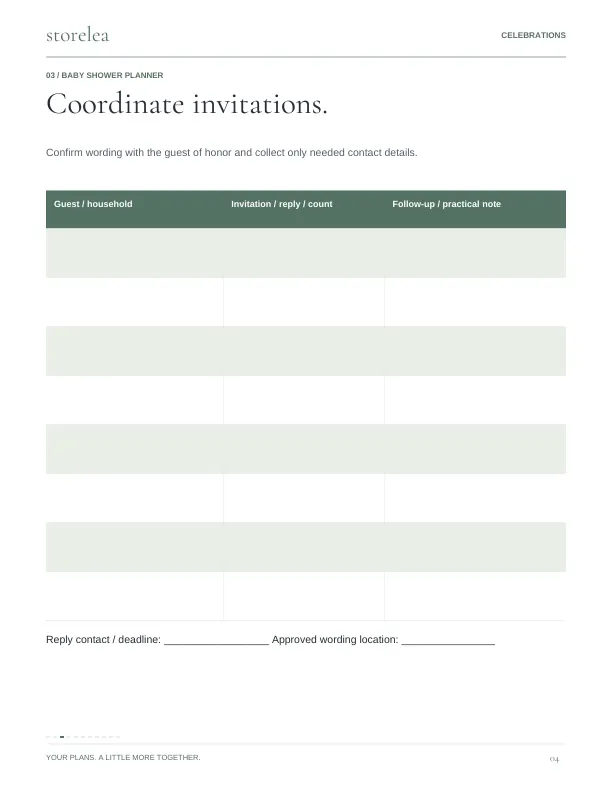
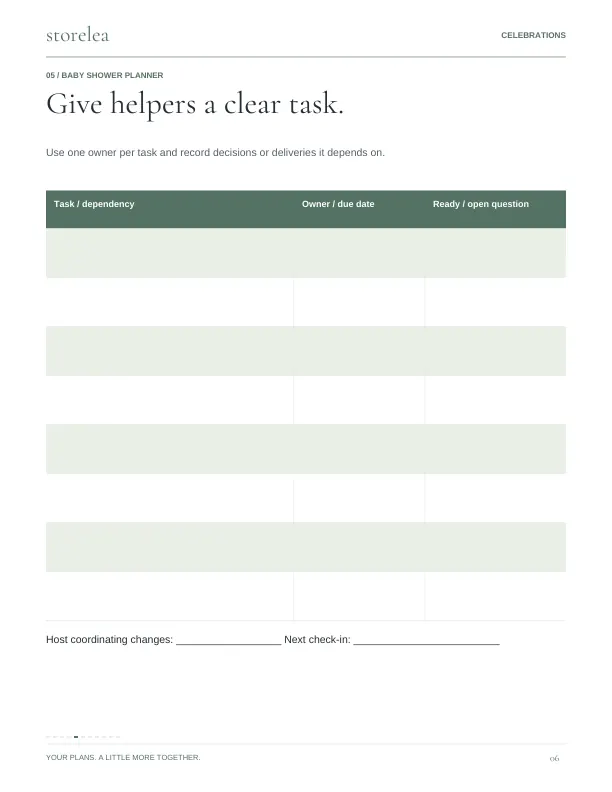
- 12-page printable planning guide plus a 3-page quick start
- Guests: One row per invitation household.
- Costs: Actual cost is the agreed total; Paid is the amount already paid.
- Co-hosts: Net contribution = paid into pot + expenses personally paid - reimbursements received.
- Native Google Sheets blank and worked-example copy links
A simple place
to begin.
Households and friends arranging a baby shower with the guest of honor's agreement.
- Agree each co-host contribution, then track transfers into the shared pot and reimbursements.
- Record each cost and who paid it. Use Shared pot as payer for money paid from the shared funds.
- Track RSVPs and gifts, then use the thank-you list and printable running order after the celebration.
The details
- Included files
- Baby-Shower-Planner.pdf
Baby-Shower-Messages-and-Game-Key.txt
Baby-Shower-Workbook-Example.xlsx
Baby-Shower-Workbook.xlsx
Quick-Start.pdf
Start-Here.txt
Google-Sheets.html
Google-Sheets.txt - Workbook tabs
- Shower overview · Guests · Costs · Co-hosts · Gifts · Day plan
- File use
- Choose Google Sheets copy links or the included Excel-format files. Sign in to Google and choose Make a copy to save an editable workbook in your Drive. Use the clean workbook for your records and the separate fictional example to learn. PDF pages are US Letter; use Fit when printing on A4.
- Compatibility
- XLSX formulas were checked during authoring and independently recalculated in LibreOffice. Native Google Sheets blank and worked-example copies are included and were checked for formulas and visual layout. A Google account is required to save an editable copy. Native Microsoft Excel testing is not confirmed. The PDF guide is designed for printing or annotation in a compatible reader.
- Use terms
- For the purchaser's own personal or household planning. Print repeat worksheets for that use. You may share a completed trip or event plan with your travel party or event helpers. Do not sell, publish, sublicense, or redistribute the blank templates or guide.
- Important limits
- An event organizer, not pregnancy, parenting, food-safety, or medical advice. Respect personal preferences and confirm arrangements directly.
Ready for your details.
A clean workbook for you.
A separate filled example to follow.
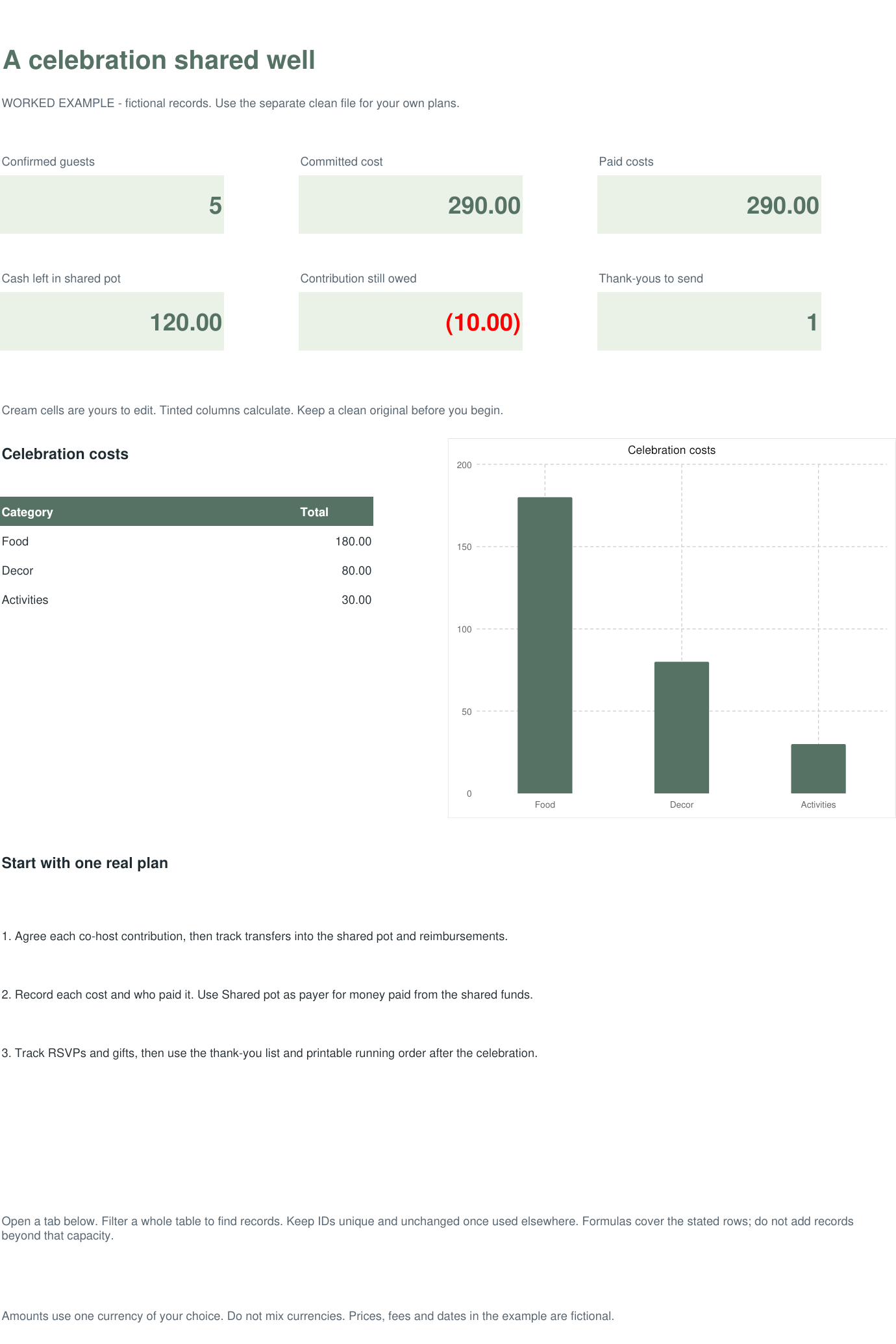
Cream cells are editable. Formula cells calculate the results. These previews show fictional records in the included example file.
Open full preview ↗02 / Guests Open full preview ↗03 / Costs
 Open full preview ↗04 / Co-hosts
 Open full preview ↗05 / Gifts
 Open full preview ↗06 / Day plan
 Open full preview ↗
Follow the example
Guest responses, co-host contributions, reimbursements and gifts have separate records. Host balances account for both money paid into the shared pot and personally paid event costs.
Your first session
Open the separate example workbook to follow the demonstration. Enter your own records in the clean workbook.
Guests: 100 rows · Costs: 100 rows · Co-hosts: 100 rows · Gifts: 100 rows · Day plan: 100 rows Rows added beyond the stated capacity are not automatically included in summaries. XLSX example calculations were checked in LibreOffice. Native Google Sheets editions were checked for formulas and visual layout. Native Microsoft Excel testing is not confirmed.
Look inside.
Actual pages from the guide.