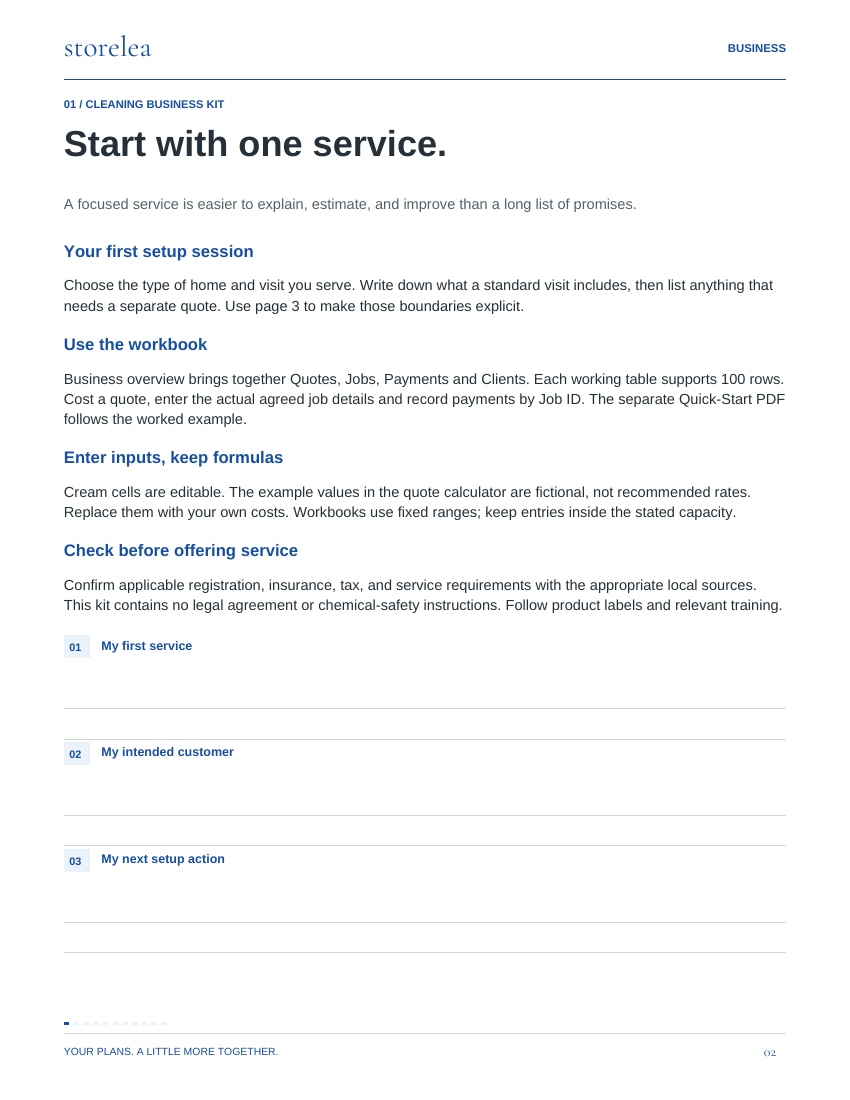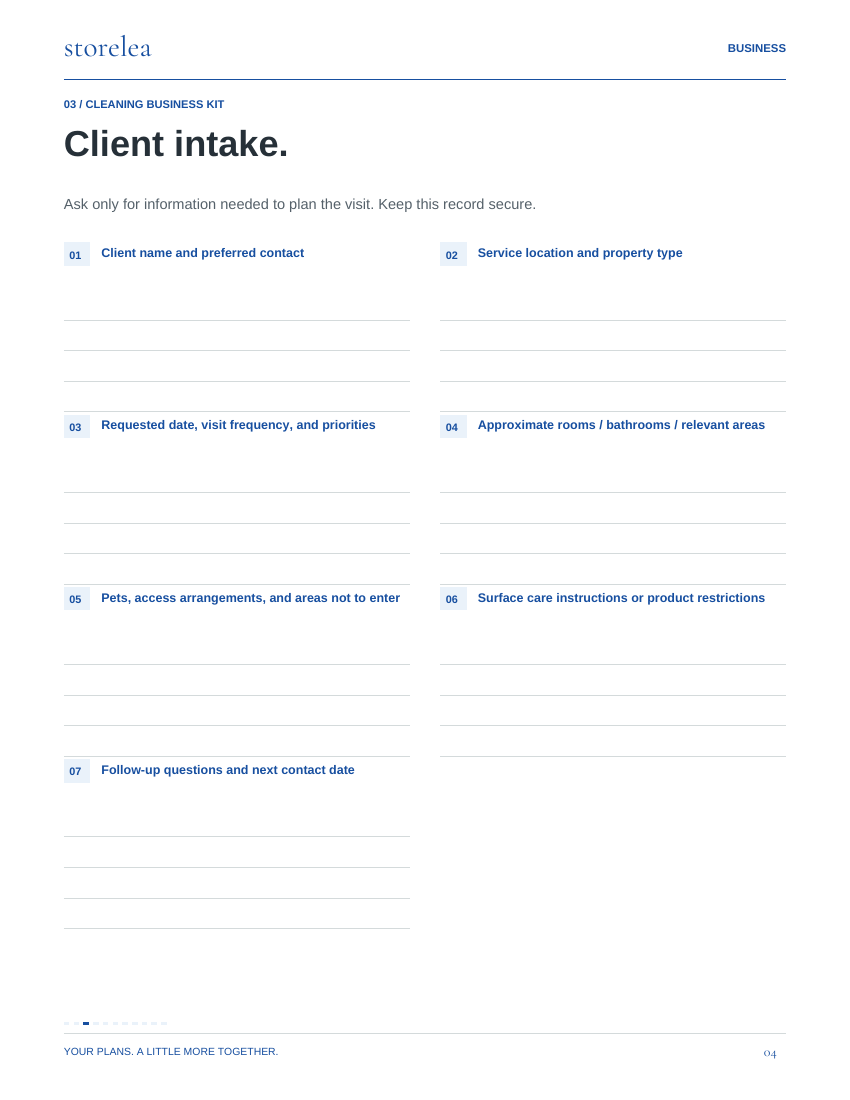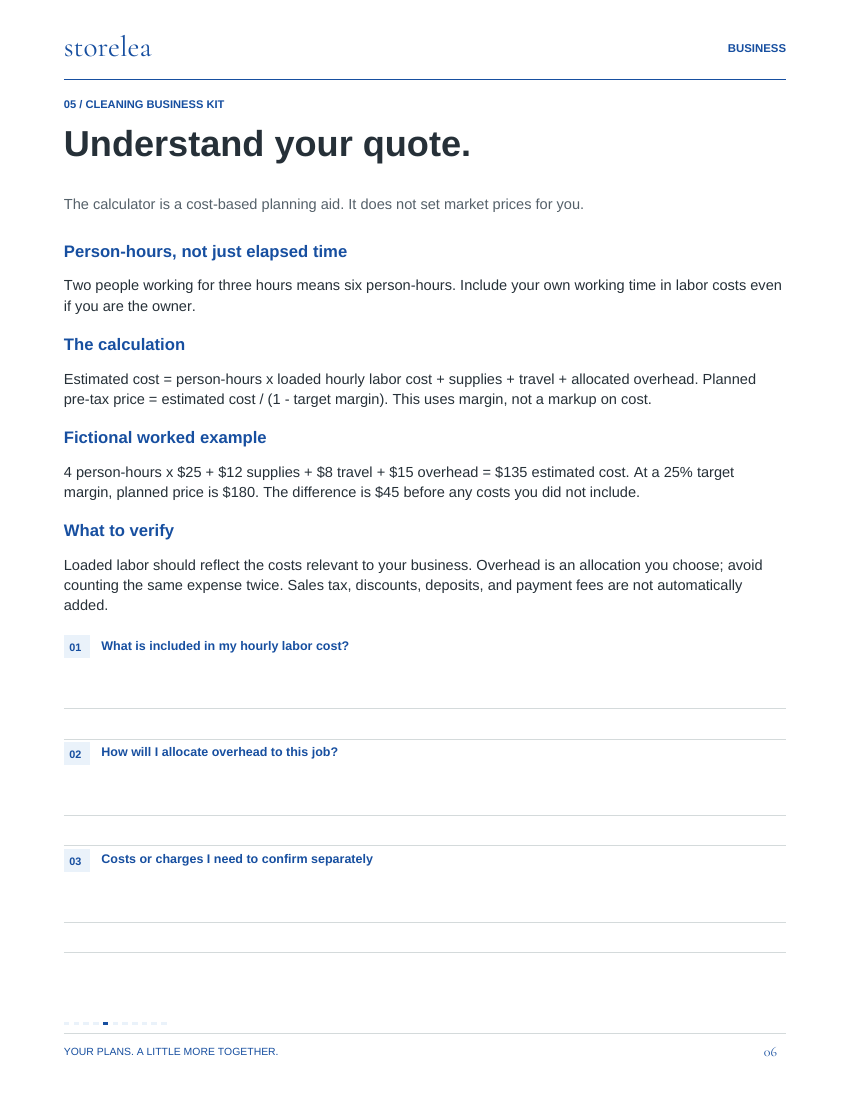
Editable spreadsheets + coordinated planning pages
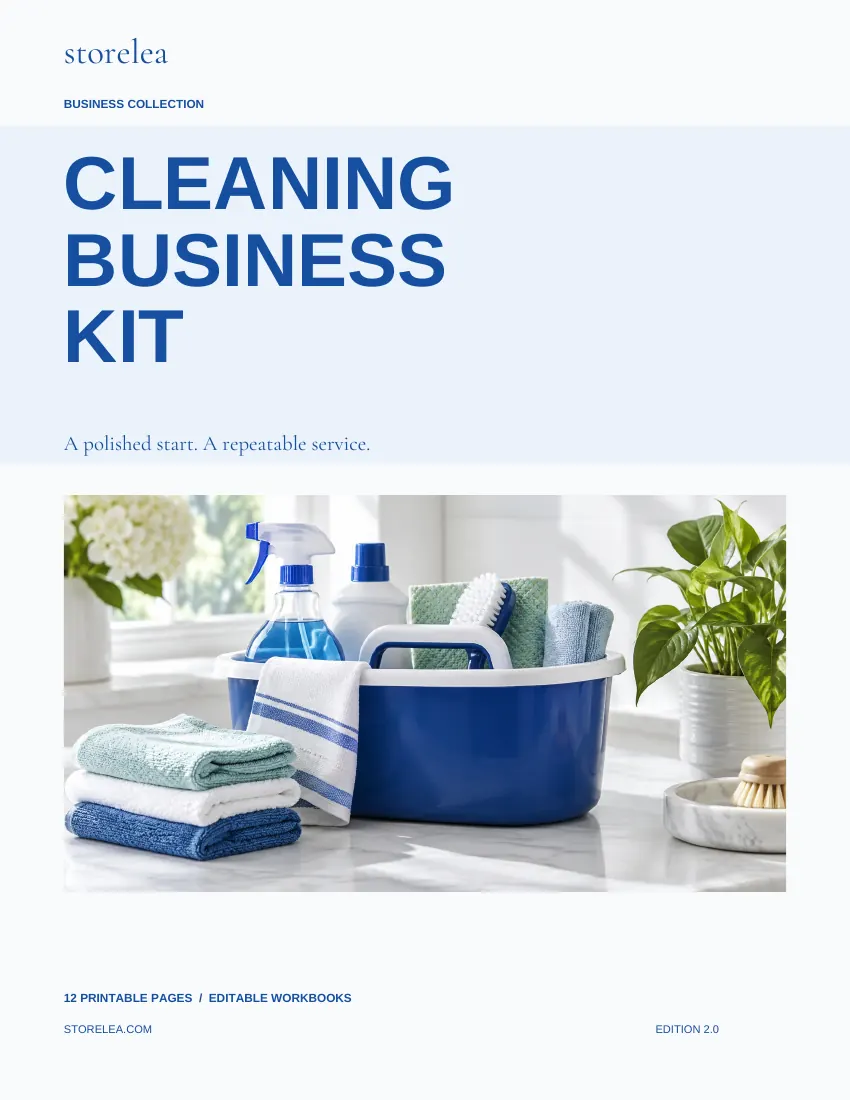
The Cleaning Business Kit
Quotes, clients, completed jobs and payments. Build a quote from person-hours, loaded labor cost, supplies, travel, overhead and target margin.
Checking checkout availability…
One kit per checkout. Read the purchase and refund terms and use license before paying. Your card statement may show STORELEA.COM.
Inside your kit
- 5 visible workbook tabs with editable inputs, linked calculations and a summary chart
- A clean XLSX for your own records and a separate fictional worked example
- 12-page printable planning guide plus a 3-page quick start
- Quotes: Person-hours = people multiplied by hours.
- Jobs: Record completed work and actual pre-tax revenue and costs.
- Payments: One row per payment or refund.
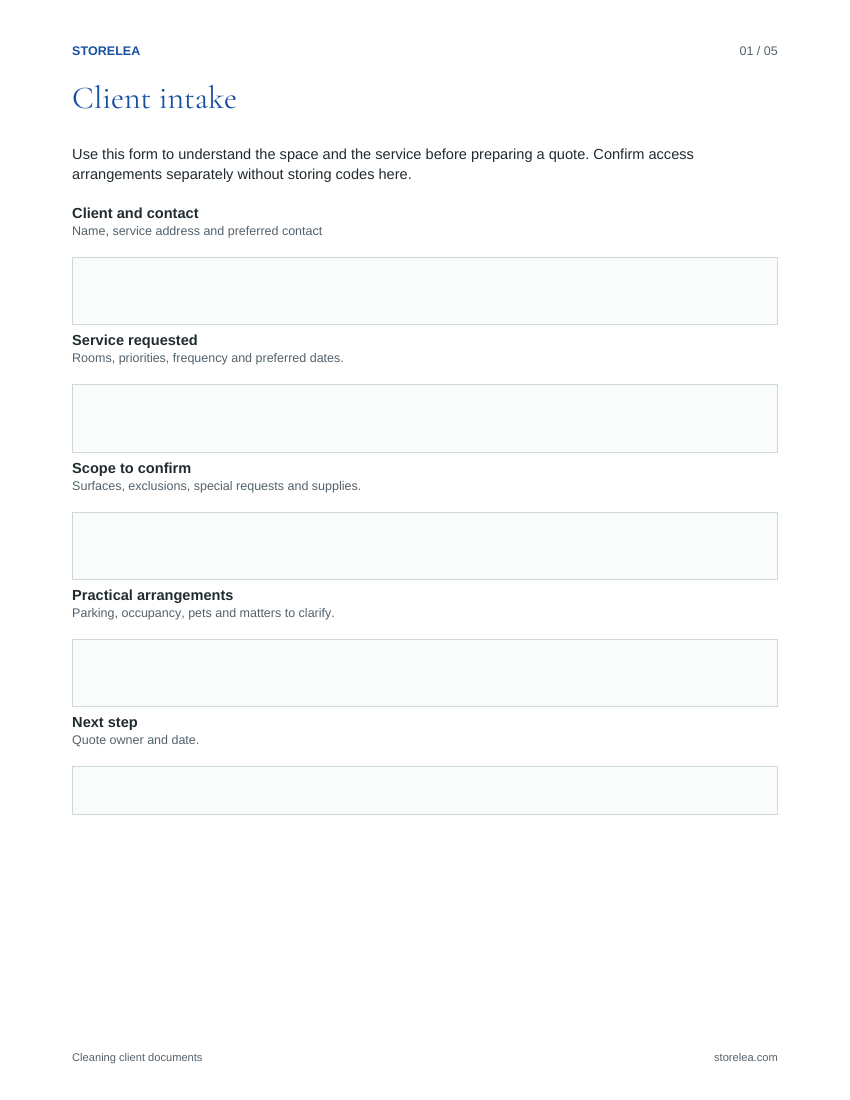
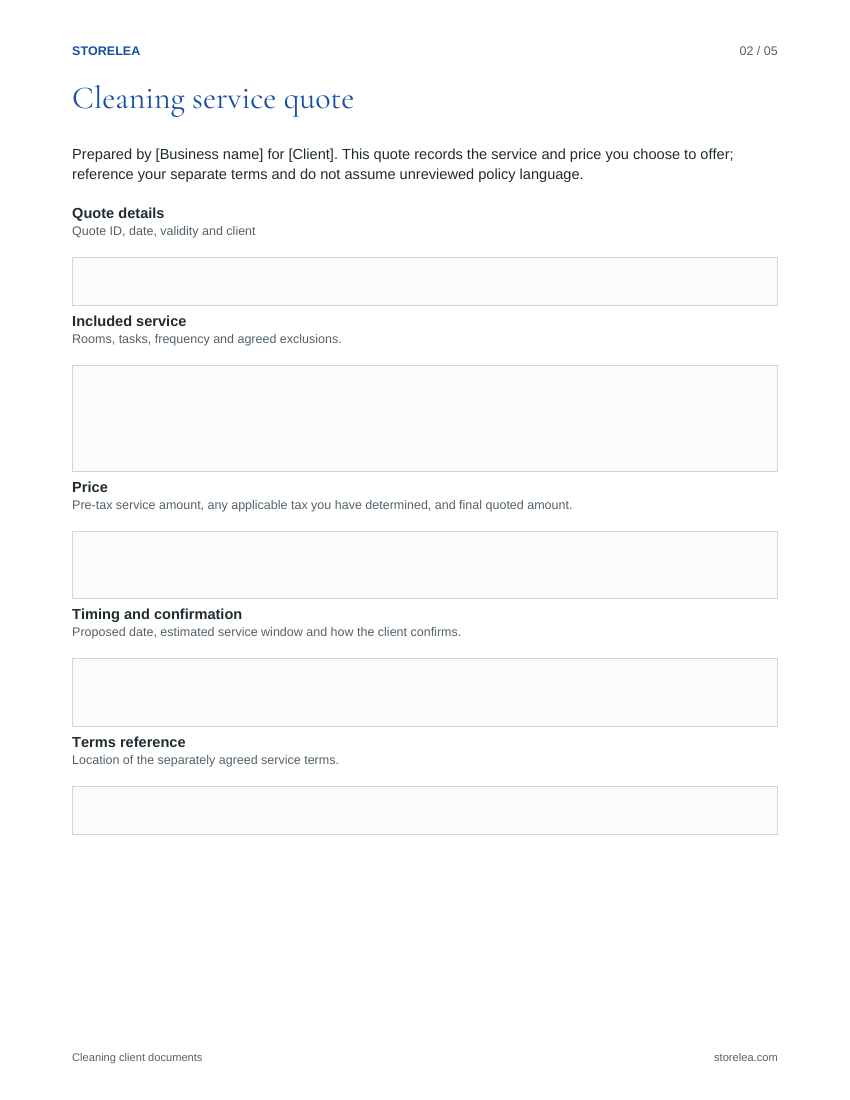
- 5-page editable DOCX and fillable PDF document set: client intake, cleaning service quote, cleaning invoice, service completion checklist, client follow-up messages
- Native Google Sheets blank and worked-example copy links
A simple place
to begin.
Independent residential cleaners setting up a simple, repeatable service.
- Build a quote from person-hours, loaded labor cost, supplies, travel, overhead and target margin.
- When a job is completed, record its actual revenue and costs on Jobs. Historical job amounts are entered records and are not repriced by changing a quote.
- Record each payment against its Job ID. Use Clients for follow-up and the editable documents for intake, quotes and invoices.
The details
- Included files
- Cleaning-Business-Guide.pdf
Cleaning-Business-Workbook.xlsx
Cleaning-Business-Workbook-Example.xlsx
Cleaning-Editable-Client-Documents.docx
Cleaning-Editable-Client-Documents.pdf
Quick-Start.pdf
Start-Here.txt
Google-Sheets.html
Google-Sheets.txt - Workbook tabs
- Business overview · Quotes · Jobs · Payments · Clients
- File use
- Choose Google Sheets copy links or the included Excel-format files. Sign in to Google and choose Make a copy to save an editable workbook in your Drive. Use the clean workbook for your records and the separate fictional example to learn. Customize the DOCX prompts and save completed copies. Type into the fillable companion or print the main planning guide. PDF pages are US Letter; use Fit when printing on A4.
- Compatibility
- XLSX formulas were checked during authoring and independently recalculated in LibreOffice. Native Google Sheets blank and worked-example copies are included and were checked for formulas and visual layout. A Google account is required to save an editable copy. Native Microsoft Excel testing is not confirmed. DOCX opens in Word or a compatible document editor. Use a PDF reader that supports forms for the fillable companion. Save and reopen to check your entries. The main guide is printable.
- Use terms
- One purchaser may use this kit in one business. See Use & license for the scope.
- Important limits
- Not a service contract, tax tool, chemical-safety manual, or a substitute for local licensing and insurance checks.
Ready for your details.
A clean workbook for you.
A separate filled example to follow.
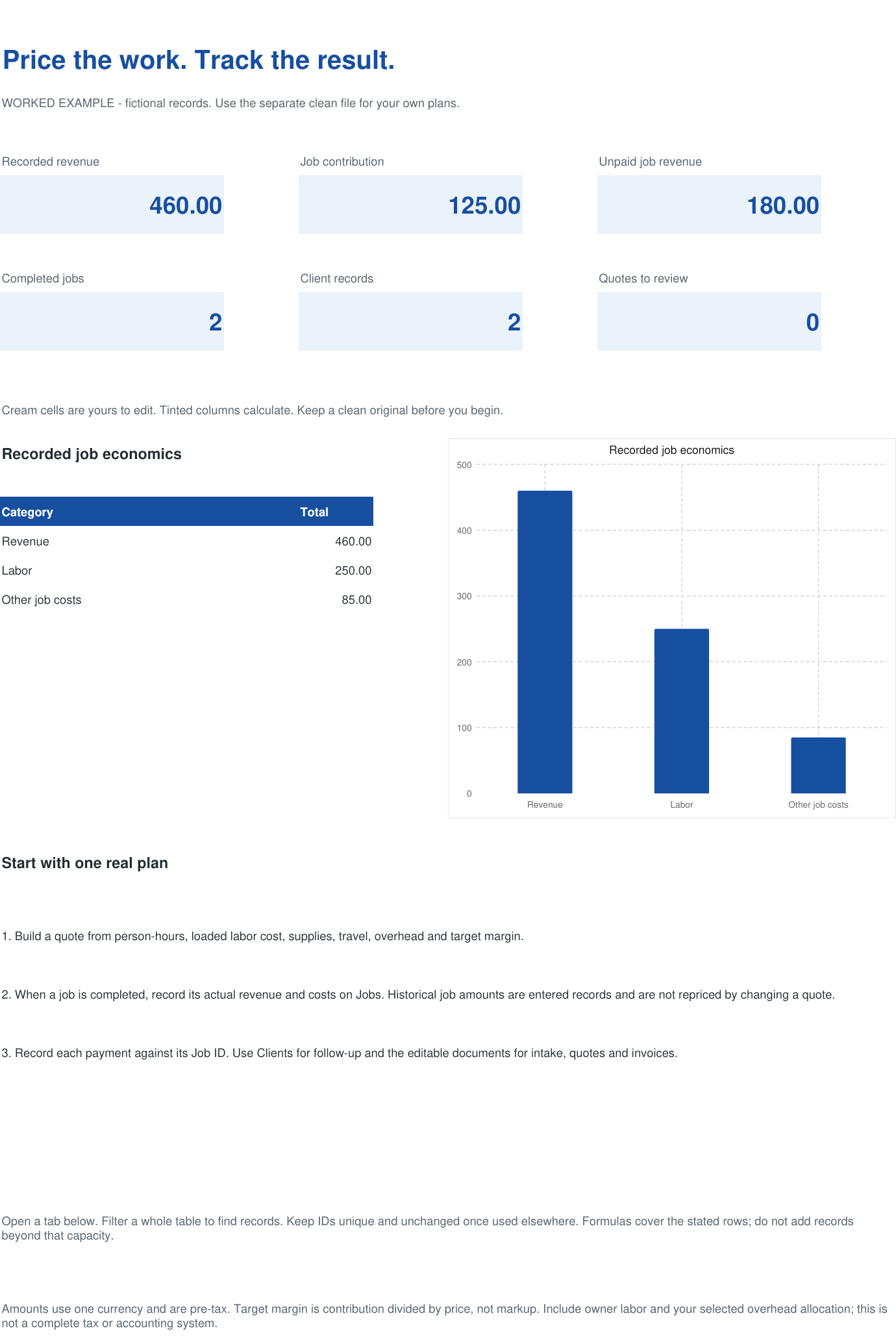
Cream cells are editable. Formula cells calculate the results. These previews show fictional records in the included example file.
Open full preview ↗02 / Quotes Open full preview ↗03 / Jobs
 Open full preview ↗04 / Payments
 Open full preview ↗05 / Clients
 Open full preview ↗
Follow the example
Quotes use your time, costs and target margin. Actual job prices stay fixed when a quote changes, and payments connect to their Job ID to update outstanding balances.
Your first session
Open the separate example workbook to follow the demonstration. Enter your own records in the clean workbook.
Quotes: 100 rows · Jobs: 100 rows · Payments: 100 rows · Clients: 100 rows Rows added beyond the stated capacity are not automatically included in summaries. XLSX example calculations were checked in LibreOffice. Native Google Sheets editions were checked for formulas and visual layout. Native Microsoft Excel testing is not confirmed.
Ready to make your own.
Actual pages from the editable companion.
Look inside.
Actual pages from the guide.