Editable spreadsheets + coordinated planning pages
The Home Project Planner
Compare like-for-like quotes and track approved spending. Create a scope ID for each work package, then enter its planned budget. Compare quotes against that exact scope.
Checking checkout availability…
One kit per checkout. Read the purchase and refund terms and use license before paying. Your card statement may show STORELEA.COM.
Inside your kit
- 6 visible workbook tabs with editable inputs, linked calculations and a summary chart
- A clean XLSX for your own records and a separate fictional worked example
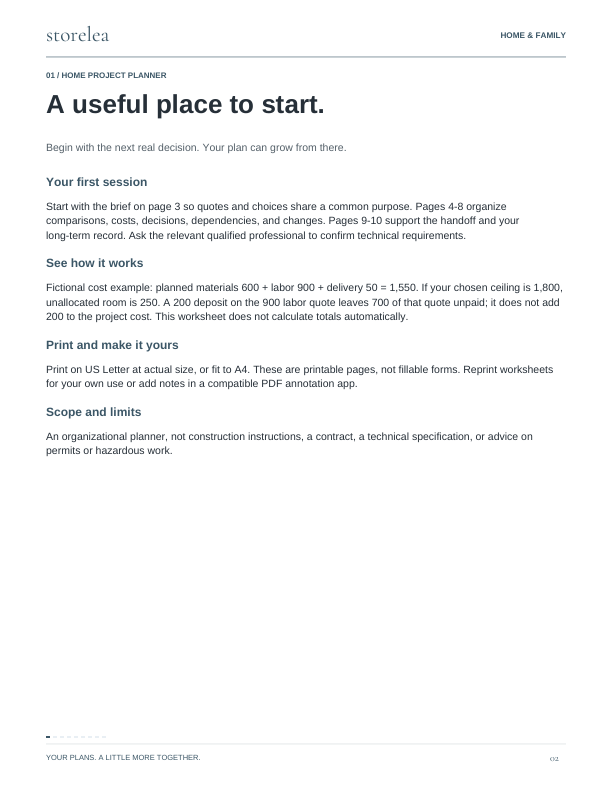
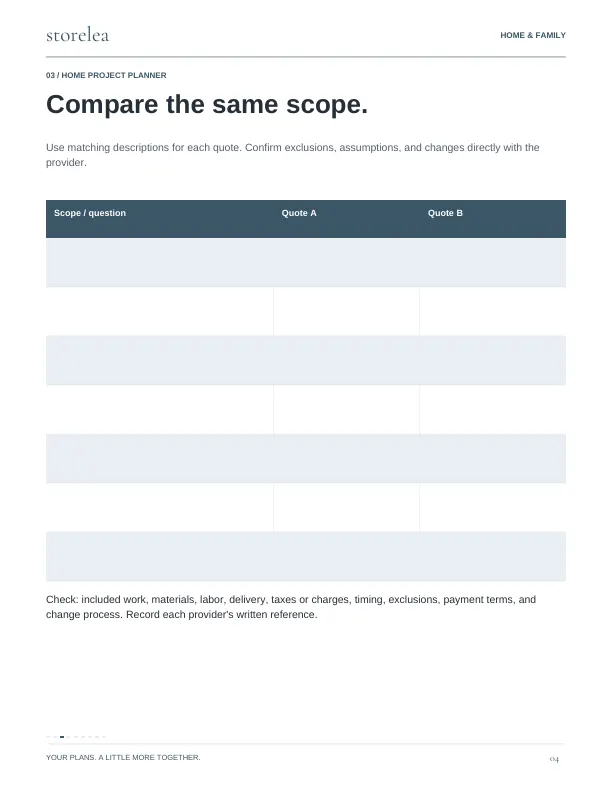
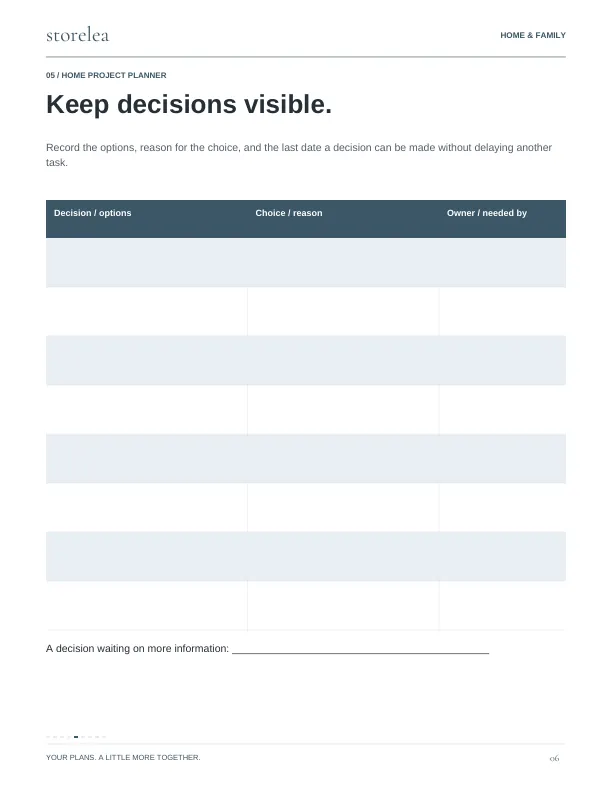
- 10-page printable planning guide plus a 3-page quick start
- Scope: Selected quote sets the base commitment.
- Quotes: Compare written quotes for the same scope.
- Changes: Use signed amounts: extra work is positive and a credit is negative.
- Native Google Sheets blank and worked-example copy links
A simple place
to begin.
Homeowners organizing a room refresh or other project with multiple decisions and suppliers.
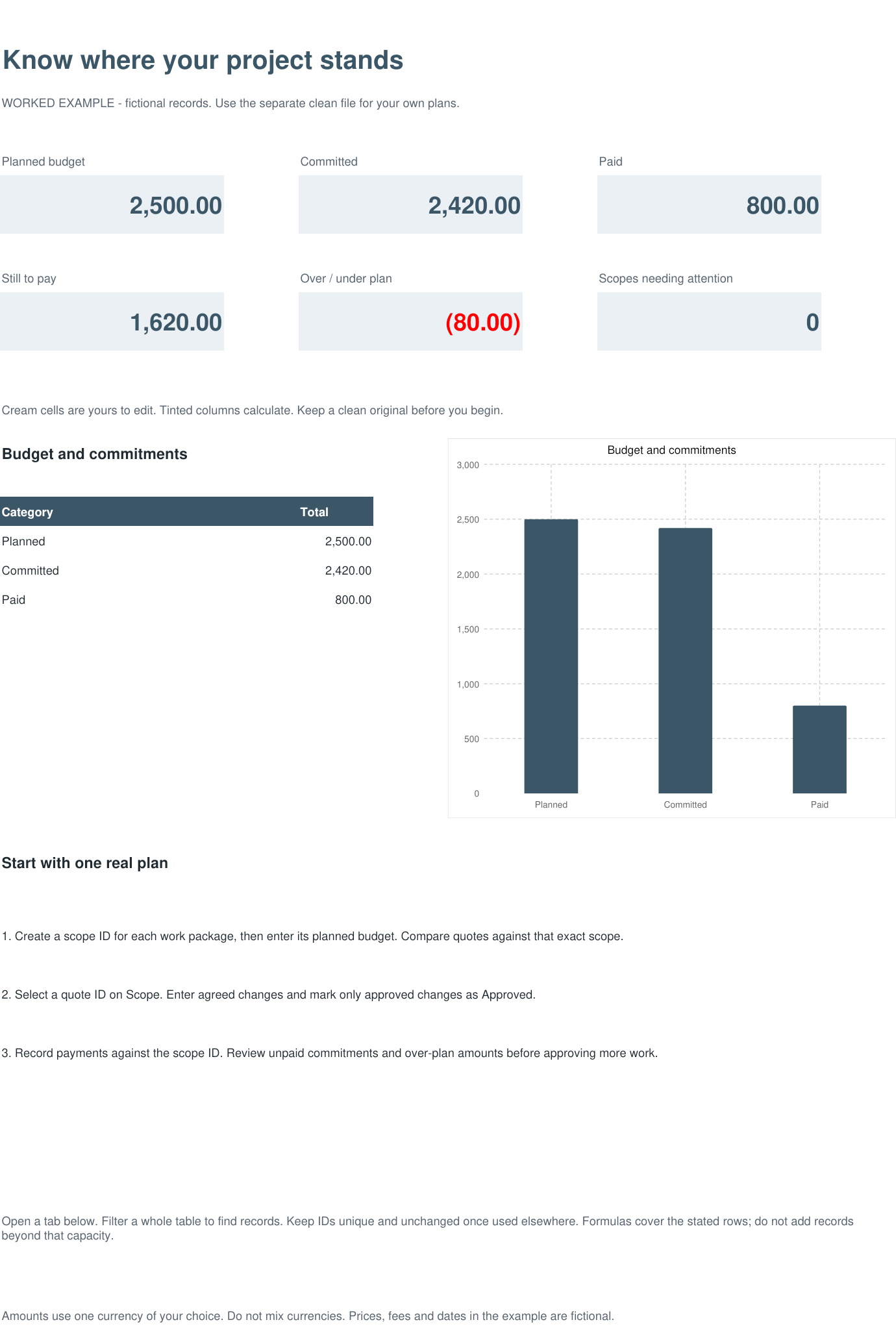
- Create a scope ID for each work package, then enter its planned budget. Compare quotes against that exact scope.
- Select a quote ID on Scope. Enter agreed changes and mark only approved changes as Approved.
- Record payments against the scope ID. Review unpaid commitments and over-plan amounts before approving more work.
The details
- Included files
- Home-Project-Planner.pdf
Home-Project-Workbook-Example.xlsx
Home-Project-Workbook.xlsx
Quick-Start.pdf
Start-Here.txt
Google-Sheets.html
Google-Sheets.txt - Workbook tabs
- Project overview · Scope · Quotes · Changes · Payments · Tasks
- File use
- Choose Google Sheets copy links or the included Excel-format files. Sign in to Google and choose Make a copy to save an editable workbook in your Drive. Use the clean workbook for your records and the separate fictional example to learn. PDF pages are US Letter; use Fit when printing on A4.
- Compatibility
- XLSX formulas were checked during authoring and independently recalculated in LibreOffice. Native Google Sheets blank and worked-example copies are included and were checked for formulas and visual layout. A Google account is required to save an editable copy. Native Microsoft Excel testing is not confirmed. The PDF guide is designed for printing or annotation in a compatible reader.
- Use terms
- For the purchaser’s own personal or household planning. Print repeat worksheets for that use; do not resell or redistribute the kit.
- Important limits
- An organizational planner, not construction instructions, a contract, a technical specification, or advice on permits or hazardous work.
Ready for your details.
A clean workbook for you.
A separate filled example to follow.
Cream cells are editable. Formula cells calculate the results. These previews show fictional records in the included example file.
Open full preview ↗02 / Scope Open full preview ↗03 / Quotes
 Open full preview ↗04 / Changes
 Open full preview ↗05 / Payments
 Open full preview ↗06 / Tasks
 Open full preview ↗
Follow the example
A 2,500.00 plan has 2,420.00 committed and 800.00 paid. A proposed change stays out of the commitment until its approval details are complete.
Your first session
Open the separate example workbook to follow the demonstration. Enter your own records in the clean workbook.
Scope: 100 rows · Quotes: 100 rows · Changes: 100 rows · Payments: 100 rows · Tasks: 100 rows Rows added beyond the stated capacity are not automatically included in summaries. XLSX example calculations were checked in LibreOffice. Native Google Sheets editions were checked for formulas and visual layout. Native Microsoft Excel testing is not confirmed.
Look inside.
Actual pages from the guide.